In today’s fast-paced digital world, staying productive at work is more challenging than ever. With constant notifications, multitasking demands, and remote work environments, professionals need powerful tools to stay focused, organized, and efficient.
Fortunately, productivity apps have evolved significantly. They now offer smarter automation, seamless collaboration, and AI-driven assistance.
In this comprehensive guide, we’ll explore the best productivity apps for work in 2026, covering task management, time tracking, communication, note-taking, project management, automation, and more.
Whether you are a freelancer, remote worker, entrepreneur, or corporate professional, this guide will help you boost efficiency and transform your workflow.
Why Productivity Apps Matter in 2026
Before diving into the list, it’s important to understand why productivity apps are essential in today’s workplace.
The modern work environment is distributed, fast, and data-driven. Without the right tools, professionals waste time, lose focus, and struggle with organization.
Here’s why productivity apps matter:
- Improve time management by tracking and optimizing your daily work
- Enhance focus by reducing distractions and interruptions
- Streamline collaboration with real-time communication and file sharing
- Automate repetitive tasks to save hours every week
- Keep everything organized in one centralized system
The right tools help you work smarter—not harder.
1. Task Management Apps
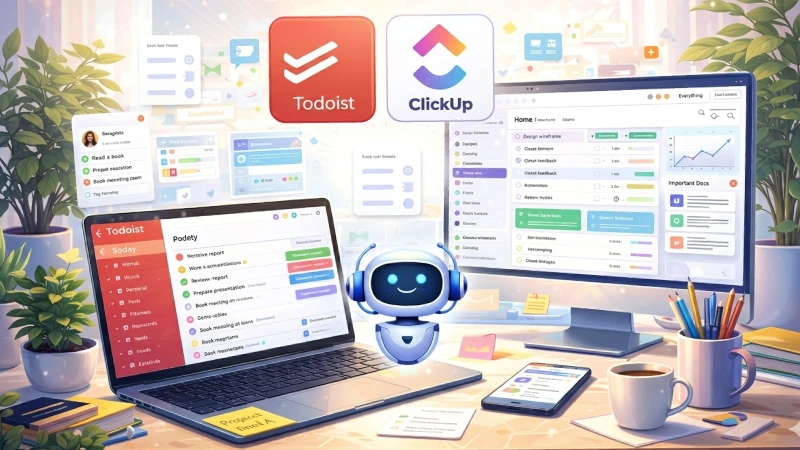
These tools help you organize and prioritize work effectively.
1.1 Todoist
Todoist is one of the most popular task management apps due to its simplicity and powerful features.
Key Features:
- Task prioritization with color labels
- Natural language input for quick task creation
- Recurring task scheduling
- Collaboration tools for teams
- Integration with 70+ apps
Why It’s Great:
It offers a clean interface with powerful features, making it ideal for both individuals and small teams.
1.2 ClickUp
ClickUp is an all-in-one productivity platform designed for teams and businesses.
Key Features:
- Task management with custom workflows
- Built-in docs and collaboration tools
- Goal tracking and reporting
- Time tracking features
- Advanced automation
Why It’s Great:
ClickUp replaces multiple tools, making it perfect for managing everything in one place.
1.3 Microsoft To Do
Microsoft To Do is a simple yet effective task manager integrated with Microsoft services.
Key Features:
- Daily planner (“My Day”)
- Outlook integration
- Cross-device syncing
- Subtasks and reminders
Why It’s Great:
Perfect for users already using Microsoft Office tools.
2. Time Management and Focus Apps
Staying focused is just as important as managing tasks.
2.1 RescueTime
RescueTime tracks how you spend your time automatically.
Key Features:
- Automatic activity tracking
- Productivity reports
- Focus sessions
- Goal setting
Why It’s Great:
It helps identify time-wasting habits and improve efficiency.
2.2 Forest
Forest uses gamification to improve focus.
Key Features:
- Grow virtual trees during focus sessions
- Block distracting apps
- Visual productivity tracking
Why It’s Great:
A fun and effective way to build focus habits.
2.3 Toggl Track
Toggl Track is a powerful time tracking tool.
Key Features:
- One-click tracking
- Detailed reports
- Team tracking
- Integration with other tools
Why It’s Great:
Ideal for freelancers and teams managing billable hours.
3. Note-Taking and Knowledge Management Apps
3.1 Notion
Notion is an all-in-one workspace for notes, tasks, and collaboration.
Key Features:
- Customizable pages
- Templates for workflows
- Collaboration tools
- Database views
Why It’s Great:
Extremely flexible and adaptable for any workflow.
3.2 Evernote
Evernote is a powerful note-taking app with strong search capabilities.
Key Features:
- Web clipping
- Document scanning
- Powerful search
- Cross-platform sync
Why It’s Great:
Perfect for managing research and large information sets.
3.3 Obsidian
Obsidian is ideal for building a personal knowledge system.
Key Features:
- Markdown notes
- Backlinking system
- Graph visualization
- Offline storage
Why It’s Great:
Best for deep thinkers and researchers.
4. Communication and Collaboration Apps
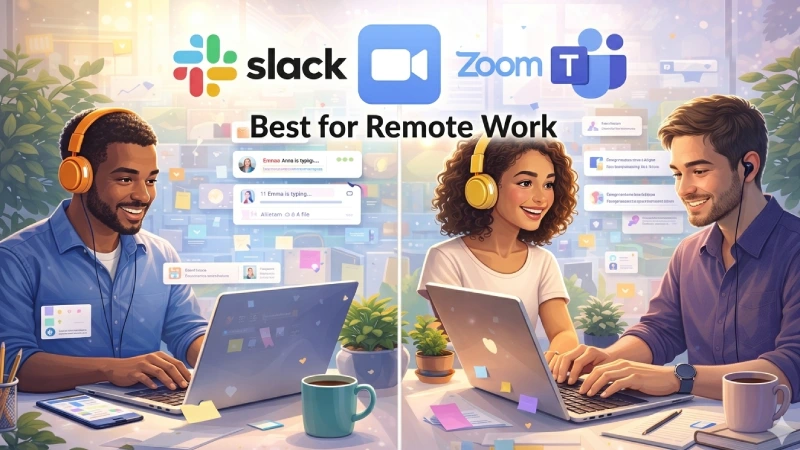
4.1 Slack
Slack is a leading team communication platform.
Key Features:
- Organized channels
- File sharing
- App integrations
- Quick messaging
Why It’s Great:
Reduces email overload and improves team communication.
4.2 Microsoft Teams
Teams combines chat, video meetings, and file sharing.
Key Features:
- Video conferencing
- Office integration
- File collaboration
- Meeting recording
Why It’s Great:
Perfect for businesses using Microsoft 365.
4.3 Zoom
Zoom remains a top video conferencing tool.
Key Features:
- High-quality video calls
- Screen sharing
- Breakout rooms
- Webinar hosting
Why It’s Great:
Reliable for meetings and remote work.
5. Project Management Tools
5.1 Trello
Trello uses a simple Kanban board system.
Key Features:
- Drag-and-drop interface
- Custom boards
- Automation tools
Why It’s Great:
Easy to use and perfect for beginners.
5.2 Asana
Asana is a powerful project management tool.
Key Features:
- Task dependencies
- Timeline view
- Workflow automation
Why It’s Great:
Ideal for managing complex projects.
5.3 Monday.com
Monday.com offers visual project tracking.
Key Features:
- Custom dashboards
- Automation
- Collaboration tools
Why It’s Great:
Flexible and visually appealing.
6. File Management and Cloud Storage
6.1 Google Drive
Google Drive is essential for file storage and collaboration.
Key Features:
- Cloud storage
- Real-time collaboration
- Integration with Google tools
6.2 Dropbox
Dropbox focuses on file syncing and sharing.
6.3 OneDrive
OneDrive integrates seamlessly with Microsoft Office.
7. Automation Tools
7.1 Zapier
Zapier connects apps and automates workflows.
7.2 IFTTT
IFTTT simplifies everyday automation.
8. AI Productivity Tools
8.1 ChatGPT
ChatGPT acts as a virtual assistant.
8.2 Grammarly
Grammarly improves writing clarity and accuracy.
How to Choose the Right Productivity Apps
- Identify your needs
- Avoid too many tools
- Look for integrations
- Consider budget
- Test before committing
Best Productivity App Stack (Recommended Setup)
| Category | Recommended App |
|---|---|
| Task Management | ClickUp / Todoist |
| Communication | Slack |
| Note-Taking | Notion |
| Time Tracking | Toggl |
| Storage | Google Drive |
| Automation | Zapier |
| AI | ChatGPT |
| Writing | Grammarly |
Tips to Maximize Productivity
- Set daily priorities
- Use time-blocking
- Turn off notifications
- Review progress weekly
- Automate repetitive work
Future of Productivity Apps
- Smarter AI assistants
- Predictive task management
- Voice-controlled workflows
- Better integrations
- Personalized analytics
Conclusion
The best productivity apps for work in 2026 are powerful tools that can transform how you work.
However, success depends on how you use them.
Start small, choose the right tools, and build your workflow gradually. When we used correctly, these apps will help you save time, stay organized, and achieve more every day.
FAQ
A1: Top apps include ClickUp, Notion, Slack, Todoist, and ChatGPT for productivity.
A3: Yes, they help save time, improve focus, and organize work efficiently.
A4: Notion and Todoist offer powerful free plans for most users.
A5: They automate tasks, track time, and keep work organized in one place.
A2: Todoist and ClickUp are among the best task management apps.