Introduction
Short answer: No — AI is not replacing apps, but it is fundamentally reshaping how we use them.
Technology evolves every few years. Smartphones replaced feature phones, streaming replaced DVDs, and now AI is entering everyday software. Many wonder:
“Are apps about to disappear?”
It may feel that way because we no longer open apps the way we used to. Instead, we talk to assistants, type natural-language commands, and expect instant results. But the truth is more nuanced.
The Core Idea Most People Miss
AI is not replacing apps — it’s removing friction.
Traditionally, apps required you to navigate screens, menus, and steps. AI flips this model:
- You express intent.
- Apps and systems handle the execution.
This shift may seem subtle, but it’s transforming how humans interact with software.
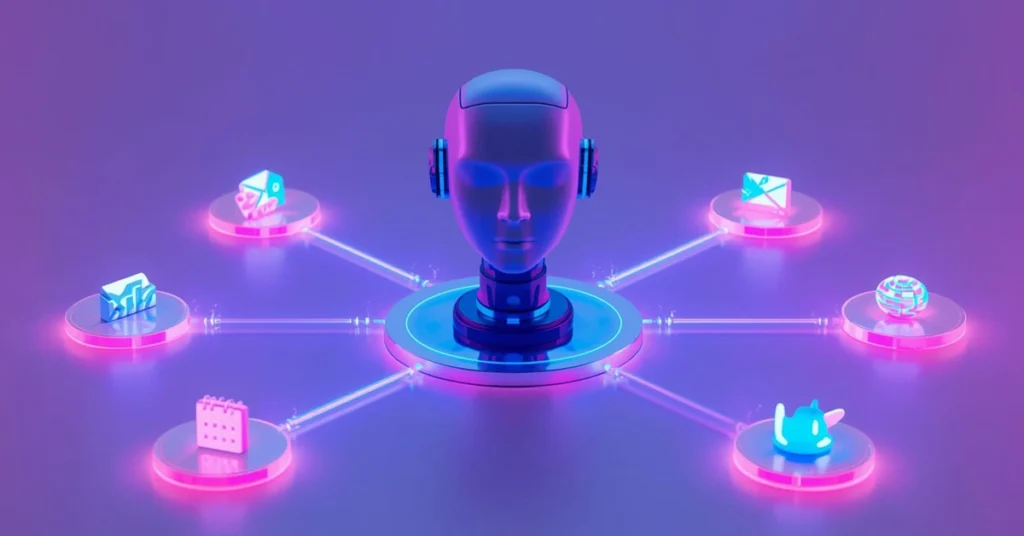
Apps Aren’t Dying — They’re Moving Into the Background
Apps still exist, often more capable than ever. The change is where they live in your experience.
Apps are becoming infrastructure. Think of them like electricity: you don’t focus on the wiring, just the result. AI is making software work similarly — quietly, in the background, while you focus on outcomes.
From Manual Control to Intent-Based Computing
Traditional apps required procedural thinking:
- Open the app
- Find the feature
- Follow steps
- Adjust settings
- Save or export
AI enables intent-based computing:
- Describe what you want.
- The system figures out the rest.
This is a complete rethinking of user interaction.
A Simple Example
Old workflow:
- Open Notes
- Type an idea
- Save
- Open a reminder app
- Set date and time
New workflow:
“Save this idea and remind me tomorrow.”
Same outcome. Fewer steps. Almost zero mental effort.
Real-World Examples Already Happening
1. Email Apps → Smart Inboxes
Apps like Gmail, Outlook, and Spark use AI to:
- Summarize long emails
- Suggest quick replies
- Highlight priority messages
AI decides what matters now, what can wait, and what needs a response. You still “use email,” but smarter.
2. Photo Apps → Intelligent Galleries
Google Photos and Apple Photos can:
- Categorize images automatically
- Recognize people and places
- Remove unwanted objects
- Enhance photos with one tap
AI handles repetitive tasks, making galleries smarter without extra effort.
3. Calendar Apps → Automated Scheduling
Apps like Motion, Reclaim, and Readdle:
- Create optimized schedules
- Block focus time automatically
- Reschedule tasks when plans change
You say what you need, and AI decides when and how.
4. Banking Apps → Real-Time Insight Engines
Banks use AI to:
- Detect fraud instantly
- Categorize expenses
- Analyze spending habits
- Send smart alerts
AI works behind the scenes to protect and guide you.
Why This Feels Like “Replacement”
Apps feel like they’re disappearing because visibility decreases. AI removes:
- Repetitive actions
- Context switching
- Manual setup
- Cognitive load
When effort disappears, tools fade from perception — even though they are still doing the work.
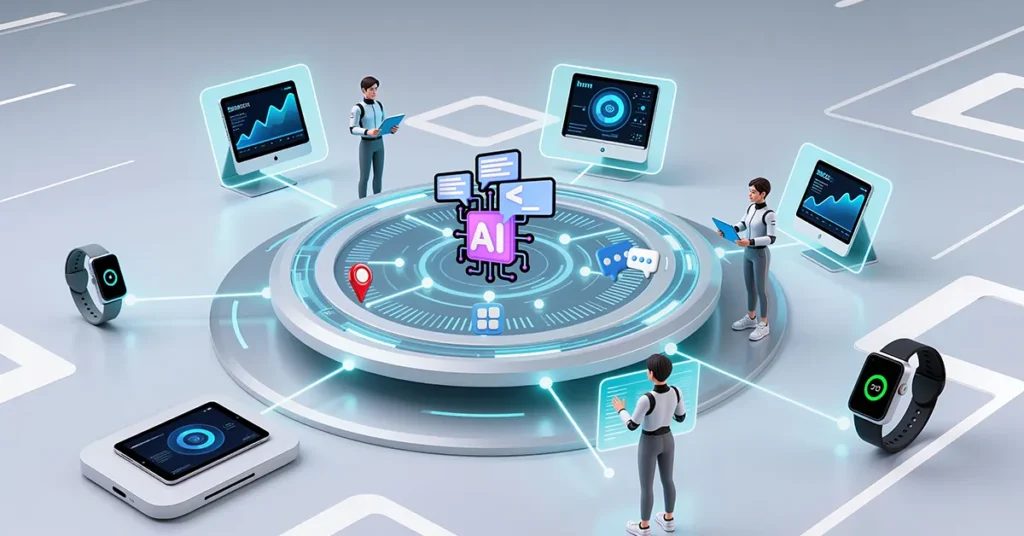
The Shift From App-Centered to System-Centered Design
Previously, apps competed for attention. AI changes the center of gravity:
- The operating system becomes more important
- Context flows across apps
- Tasks span multiple services seamlessly
The system orchestrates apps instead of you juggling them.
Why Big Tech Is Betting on AI Layers
Companies like Microsoft, Apple, and Google aren’t trying to kill apps. They aim to connect them intelligently.
Goals:
- Reduce user effort
- Increase speed
- Keep users inside their ecosystem
AI acts as connective tissue between existing services.
Apps Are Becoming Services, Not Destinations
Old model:
“Go to the app to do the thing.”
New model:
“Ask for the thing — the app handles it.”
Apps still do the heavy lifting (processing, storage, security) but no longer demand your attention.
Why AI Assistants Feel So Powerful
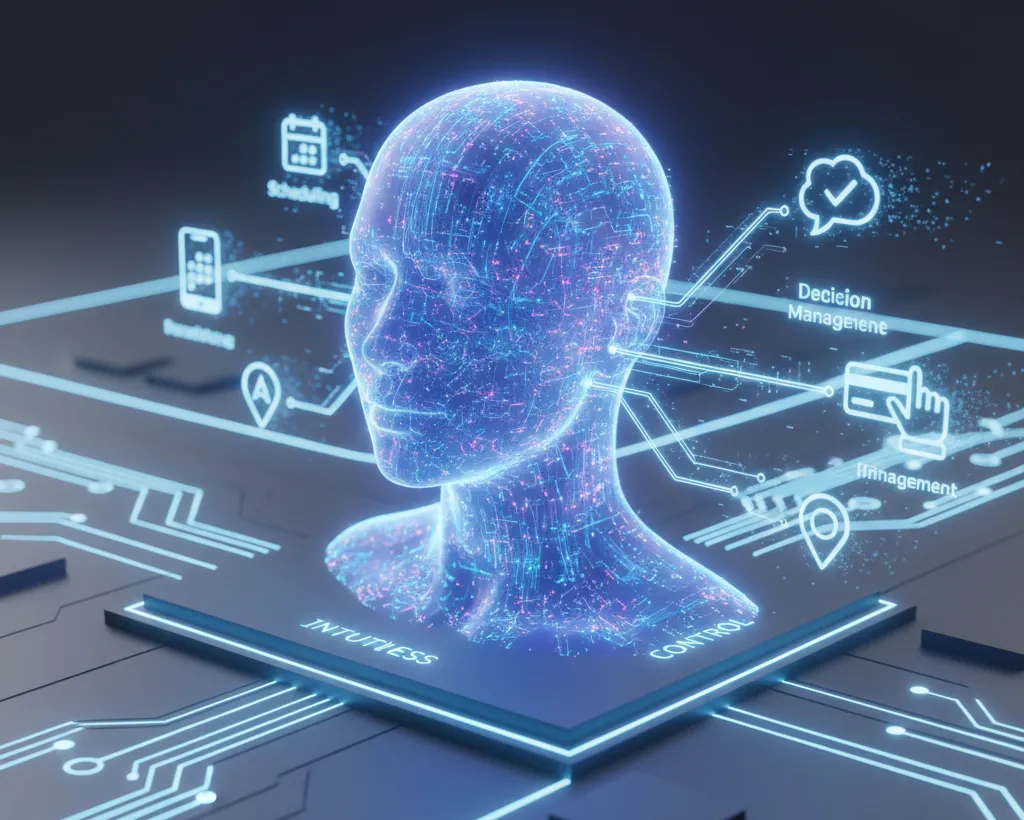
AI assistants remove:
- Navigation
- Decision fatigue
- Guesswork
You choose what you want done, not how to do it. This is a major usability upgrade.
Are Apps Becoming Obsolete?
No. App-centric thinking is becoming obsolete.
Apps must now:
- Integrate seamlessly
- Share context
- Respond intelligently
- Work quietly in the background
They’re more capable than ever — just less visible.
Why App Stores Won’t Disappear
AI assistants won’t replace app stores. Instead, app stores will evolve:
- AI extensions
- Plugins
- Skills
- Automations
Apps become modular capabilities, ready for your AI assistant to call on demand.
The Psychological Impact of Less Friction
When software stops demanding attention, users feel:
- Less overwhelmed
- More productive
- More in control
Efficiency feels like silence — not absence.
The Next 3 Years: What’s Realistic
- AI-Orchestrated Operating Systems: Tasks flow across apps automatically.
- Fewer App Openings, Same Usage: Apps run constantly, without manual opening.
- Natural Language Becomes the Interface: Typing and tapping remain optional.
- Modular Apps and AI Skills: Apps act as building blocks for assistants.
Why This Matters for Everyday Users
Benefits:
- Less tech overwhelm
- Faster results
- Simpler interfaces
- Focus on outcomes, not buttons
AI makes software less demanding, not just smarter.
Why This Matters for Developers and Businesses
Successful apps will:
- Integrate with AI layers
- Expose clear capabilities
- Focus on outcomes, not flashy interfaces
The best apps quietly deliver results without shouting for attention.
The Big Misunderstanding About AI
AI isn’t here to replace tools. It’s here to remove unnecessary effort.
When effort disappears, people assume the tool did too. That illusion fuels “apps are disappearing” headlines.
The Bottom Line
AI is not deleting your apps.
It’s rewriting how you interact with them. Apps are moving to the background — working together through intelligent systems that respond to intent, not clicks.
You no longer navigate apps. You navigate outcomes.
That’s not the end of apps — that’s their evolution.
Perfect! Here’s a WordPress-ready version of your internal link section that you can copy-paste directly just before your FAQ section. I’ve formatted it with proper headings, paragraph breaks, and bold/emoji for readability.
Want More Real Examples?
If you’re curious about how AI is already being used in everyday apps you use right now — like email, photos, calendars, banking, and more — check out our detailed post:
👉 What Is AI Really Used for in Everyday Apps? (Real Examples Explained)
It gives clear, real-world examples of AI in action so you can see the technology working behind the scenes.
FAQ
A1: Not at all! Apps aren’t disappearing — AI is just making them smarter. Instead of opening multiple apps yourself, a smart assistant can handle several tasks for you behind the scenes.
A2: AI reduces the extra steps. For example, instead of opening Notes, typing an idea, and setting a reminder, you can just tell your assistant: “Save this idea and remind me tomorrow.” The assistant takes care of the rest.
A3: Quite a few! Gmail and Outlook summarize emails and suggest replies. Google Photos and Apple Photos organize and enhance images. Calendar apps like Motion and Reclaim optimize schedules automatically. Even banking apps help categorize spending and detect fraud — all using AI quietly in the background.
A4: Not exactly. App stores will still exist, but they might focus more on AI-powered extensions or plugins rather than traditional standalone apps. Think of it as apps evolving rather than disappearing.
A5: You might not even open apps the way you do now. AI could become your main interface: you express your intention, like “Plan my day and check my emails,” and the AI handles multiple apps automatically. Apps will work together invisibly.