We’ve all felt it.
That tapping of fingers while a video exports.
A complex photo filter slowly processes.
An application grinds through a large file while you wait.
Your computer works — but it waits for your command.
It doesn’t help you think. It doesn’t assist proactively.
That’s why the conversation around new computers is changing. It’s no longer just about faster processors or more RAM. The new buzzword everywhere is AI PC.
But what does that actually mean for real users?
Is it a genuine shift in computing — or just marketing hype?
By the end of this article, you’ll understand what an AI PC really is, how it works, and whether buying one in 2026 makes sense for your needs.
The Real Problem: Your Computer Is Reactive, Not Proactive

Think about your current PC.
It’s powerful, but passive.
You click, type, and give commands — and the system simply reacts.
It doesn’t:
- Learn from how you work
- Reduce repetitive tasks automatically
- Help manage time, focus, or performance
As a result, most users spend time managing their computer instead of letting it assist them. Because of this, many people assume AI PCs are just another buzzword — a slightly better processor with a fancy label.
That uncertainty makes upgrading feel risky.
What Is an AI PC, Really?
An AI PC is not just a normal computer with AI software installed.
A true AI PC includes dedicated hardware designed specifically for AI workloads. This is what separates real AI PCs from traditional systems.
At the center of this change is a new component.
The Core Insight: It’s All About the NPU
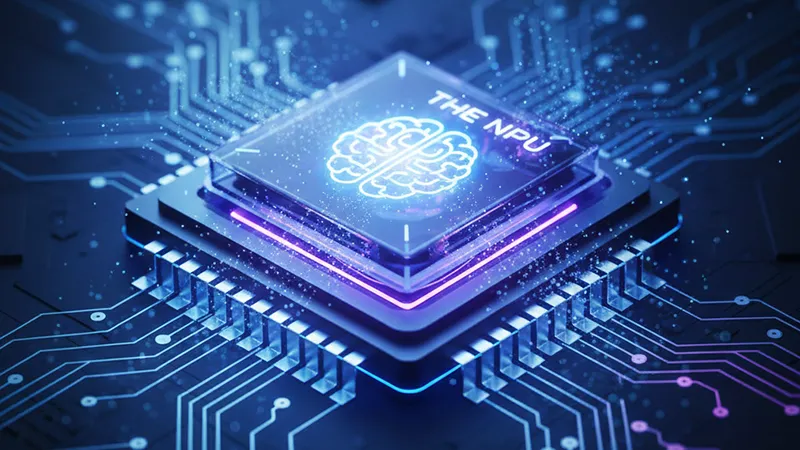
A genuine AI PC includes three key processors:
- CPU (Central Processing Unit) – handles general computing tasks
- GPU (Graphics Processing Unit) – handles graphics and parallel workloads
- NPU (Neural Processing Unit) – handles AI and machine-learning tasks
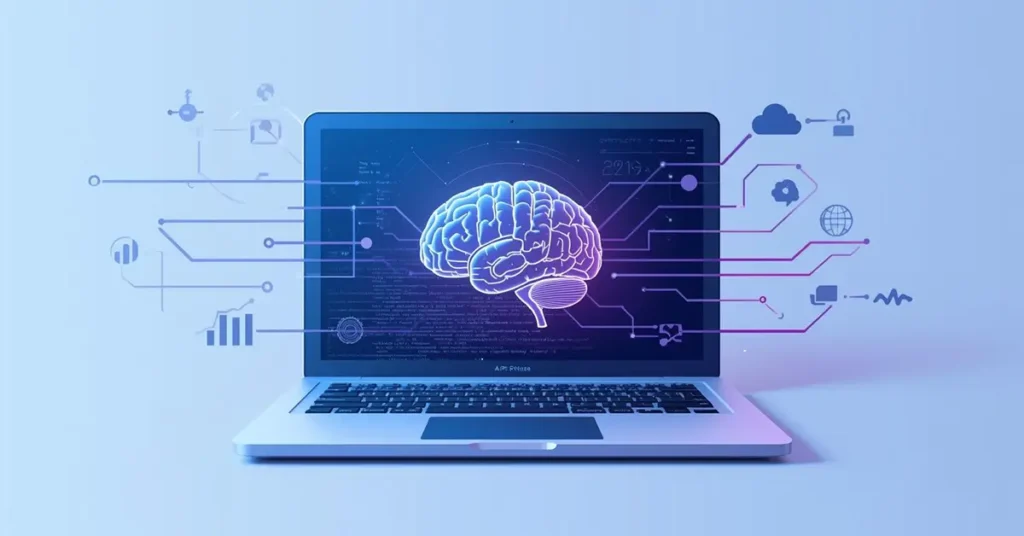
The NPU is designed to process AI workloads locally on your device, efficiently and with low power usage.
Why NPUs matter:
- Instant performance
AI features like background blur, voice cleanup, and image enhancement run instantly. - Better privacy
Your data stays on your device instead of being sent to the cloud. - Offline AI features
Many AI-powered tools work even without internet access.
The AI PC isn’t about replacing your thinking.
It’s about removing friction so your computer supports how you work.
AI PC vs Traditional PC: What’s the Difference?
Here’s where things become clearer.
Traditional PC
- Relies on CPU and GPU
- AI tasks often depend on cloud processing
- Slower response for AI features
- Higher power usage for background tasks
AI PC
- Includes a dedicated NPU
- Runs AI locally
- Faster and more efficient
- Designed for future AI-first software
In short:
A traditional PC reacts.
An AI PC assists.
Real-World AI PC Features You’ll See in 2026
AI PCs aren’t theoretical anymore. By 2026, many features will be built directly into the operating system and everyday apps.
Examples include:
- Live audio noise cancellation during calls
- Real-time subtitles and translation
- AI photo and video enhancement without cloud uploads
- Automatic meeting summaries
- Smart background removal and lighting correction
These features run quietly in the background, powered by the NPU.
You may not even notice the AI — only that things feel smoother and faster.
The 2026 Verdict: Who Actually Needs an AI PC?
Whether you should upgrade depends entirely on how you use your computer.
An AI PC Is a Smart Choice If You Are:
Creative professionals
If you work with:
- Video editing
- Photo editing
- 3D design
Apps like Adobe Premiere Pro, Photoshop, DaVinci Resolve, and Blender benefit significantly from local AI acceleration.
Heavy multitaskers
If your workflow includes:
- Large spreadsheets
- Multiple apps running simultaneously
- Meetings, analysis, and content creation
Local AI can help manage system resources more intelligently.
Developers & early adopters
If you:
- Experiment with AI tools
- Run local models
- Build AI-powered apps
For this group, the NPU becomes a serious productivity upgrade.
You Can Likely Wait If:
Your usage is casual
If you mainly:
- Browse the web
- Stream content
- Use email and office documents
Your current PC is probably still more than capable.
Budget matters most
First-generation AI PCs often carry a premium. Waiting 12–18 months usually brings better pricing and more mature software support.
Are AI PCs Worth the Price in 2026?
AI PCs are expected to cost more than traditional systems, especially in the early phase.
However, the value isn’t about raw speed alone. It’s about:
- Efficiency
- Future software compatibility
- Local AI capabilities
If you upgrade frequently, waiting might make sense.
If you keep your systems for years, buying an AI PC could be a form of future-proofing.
Think of AI PCs as the Next Foundation
Right now, the “AI” in AI PCs is still developing.
Over the next two years, more applications will shift AI features from the cloud directly onto your device. When that happens, systems without NPUs may feel limited.
Buying an AI PC in 2026 isn’t about what it does today.
It’s about being ready for how software will work tomorrow.
Final Thoughts
AI PCs are not mandatory upgrades for everyone.
However, for professionals, power users, and those planning long-term upgrades, they represent the foundation of the next computing era.
If your current PC struggles under creative or multitasking workloads, an AI PC makes sense.
If not, waiting is still a smart and practical decision.
Still unsure what’s right for you?
Techo Hype explains emerging tech clearly — without unnecessary hype.
FAQ
A1: An AI PC is a computer that includes a dedicated Neural Processing Unit (NPU). This chip allows the system to handle AI tasks locally, making features like noise cancellation, image enhancement, and smart assistants faster and more efficient.
A2: Yes. Many AI features on an AI PC can run offline because the NPU processes tasks directly on your device. However, some advanced tools may still need internet access.
A3: Not for everyone. AI PCs are better for users who work with creative tools, multitask heavily, or use AI-powered software. For basic tasks like browsing and documents, a traditional PC is still enough.
A4: No. Traditional PCs will continue to exist. AI PCs simply add new capabilities and are designed to support future software that relies more on local AI processing.
A5: For professionals and early adopters, yes. For casual users, waiting another year may offer better prices and more mature AI software.