If you’ve checked the specs of a new laptop recently, you may have noticed something new sitting beside the CPU and GPU: an NPU.
At first, it sounds like just another technical acronym. However, the Neural Processing Unit (NPU) is not a minor addition. It fundamentally changes modern computer design and how systems process artificial intelligence.
For years, personal computers relied on two main processors:
- The CPU for general tasks
- The GPU for graphics and heavy parallel workloads
Today, that model is changing. AI no longer lives only on cloud servers. It now runs directly on your device, and traditional processors struggle to handle this shift efficiently.
That’s where the NPU comes in.
This article explains what an NPU is, why it exists, and why manufacturers now build new PCs around it — without marketing noise or unnecessary complexity.
What Is an NPU?
An NPU (Neural Processing Unit) is a specialized processor that runs AI and machine-learning workloads efficiently on a local device.
Unlike CPUs or GPUs, NPUs focus on specific AI tasks and excel at:
- Pattern recognition
- Neural network inference
- Repetitive mathematical operations used in AI models
Their main purpose is to process AI tasks faster, with lower power consumption, and without relying on cloud servers.
In simple terms:
- CPUs manage tasks
- GPUs handle visuals and parallel computation
- NPUs handle AI
Why Traditional Processors Struggle With AI
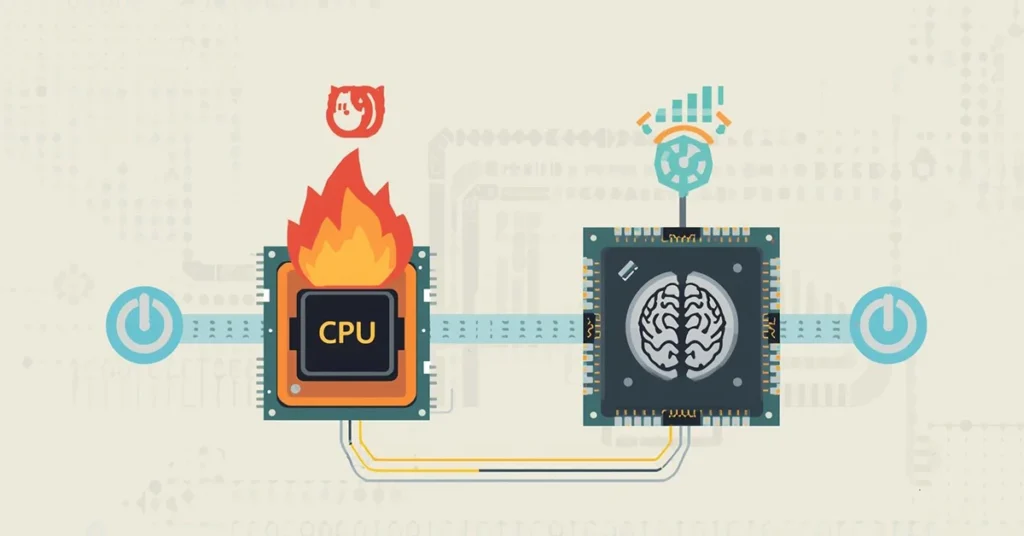
To understand why NPUs matter, it helps to look at how CPUs and GPUs were originally designed.
CPUs: Flexible but Inefficient for AI
CPUs excel at handling a wide variety of tasks sequentially. They’re incredibly versatile, but AI workloads require running millions of small calculations simultaneously, which isn’t a CPU’s strength.
GPUs: Powerful but Not Optimized
GPUs are much better at parallel processing and are often used for AI training. However, they consume significant power and generate heat. For lightweight, always-on AI tasks, GPUs are often overkill.
As AI features became more common — live background blur, voice isolation, photo enhancement, smart assistants — these processors started showing their limits.
The result was either:
- Reduced performance and battery life, or
- AI processing being sent to the cloud
Neither solution was ideal.
Why the NPU Exists
The NPU exists because AI workloads are fundamentally different from traditional computing tasks.
AI models rely heavily on:
- Matrix multiplications
- Low-precision arithmetic
- Repetitive inference operations
NPUs are built specifically for this type of work. They use architectures that allow them to process AI tasks with minimal energy usage, making them suitable for continuous background operation.
This efficiency is what allows AI features to run silently, instantly, and locally — without draining your battery or overheating your device.
How an NPU Works (Without the Jargon)
An NPU doesn’t replace the CPU or GPU. Instead, it works alongside them.
Here’s how tasks are typically divided in modern systems:
- CPU: Runs the operating system, applications, and general logic
- GPU: Handles graphics, rendering, and high-throughput parallel tasks
- NPU: Executes AI inference tasks quickly and efficiently
When an AI feature is triggered — such as real-time noise suppression — the system routes that task directly to the NPU. This keeps the CPU and GPU free to handle everything else.
The result is smoother performance and better efficiency across the entire system.
NPU vs CPU vs GPU: A Clear Comparison
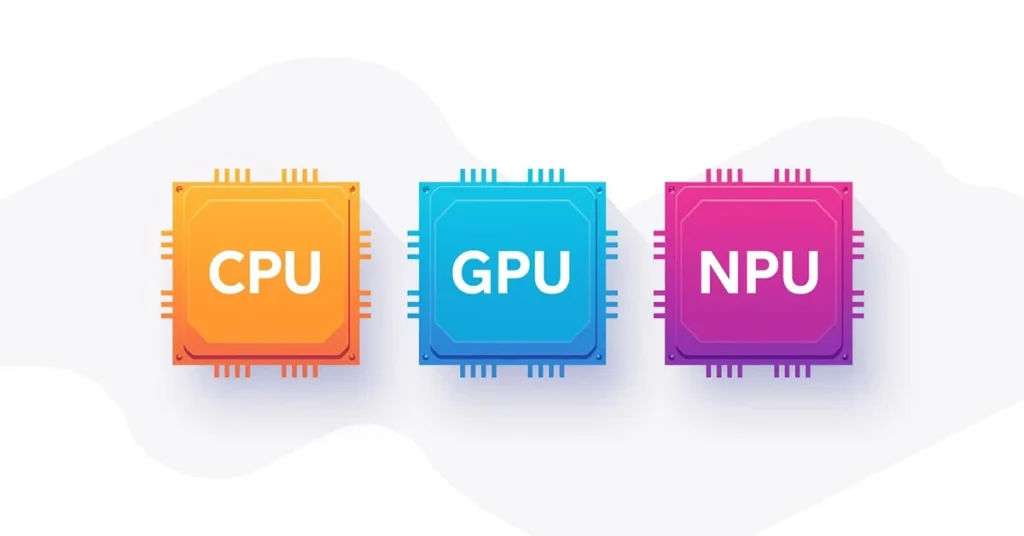
Each processor has a distinct role:
- CPU: Best for control, logic, and general computing
- GPU: Best for graphics, rendering, and heavy parallel workloads
- NPU: Best for AI inference, pattern recognition, and always-on intelligence
Modern PCs don’t choose one over the others. They combine all three so each task runs on the most suitable hardware.
This approach is called heterogeneous computing, and it is now the standard model for modern computing.
Why New PCs Are Being Built Around the NPU
Manufacturers are no longer treating NPUs as optional extras. They are becoming core components of modern PC architecture.
1. Local AI Processing
NPUs allow AI tasks to run directly on your device instead of in the cloud.
This means:
- Faster responses
- Improved privacy
- Reduced dependency on internet connectivity
Tasks like transcription, image enhancement, and voice processing can now happen entirely on-device.
2. Always-On AI Without Performance Loss
Because NPUs are energy-efficient, they can run AI features continuously in the background.
Examples include:
- Live audio noise reduction
- Automatic camera enhancements
- Real-time captioning
- Smart power optimization
These features work quietly without slowing down your system or draining the battery.
3. Software Is Designed With NPUs in Mind
Operating systems and applications increasingly leverage NPU acceleration for better performance.
Windows, macOS, and major creative tools are all integrating AI features that expect dedicated AI hardware. Over time, software will increasingly assume that an NPU is available.
This makes NPUs important for long-term compatibility and performance.
A Real-World Example: Video Calls
Imagine joining a video meeting from a busy café.
On a traditional PC:
- Noise suppression strains the CPU
- Fans spin up
- Battery drains faster
- Or audio is processed in the cloud
On an NPU-equipped PC:
- Voice isolation runs locally
- Background noise is filtered in real time
- Minimal power usage
- No cloud processing required
The experience feels seamless because the right processor is handling the task.
What an NPU Means for Privacy
Local AI processing changes how data is handled.
With NPUs:
- Audio, video, and documents can be processed locally
- Sensitive data doesn’t need to leave your device
- AI features work even without internet access
For users who care about privacy, this is a major shift.
Do You Need an NPU Right Now?
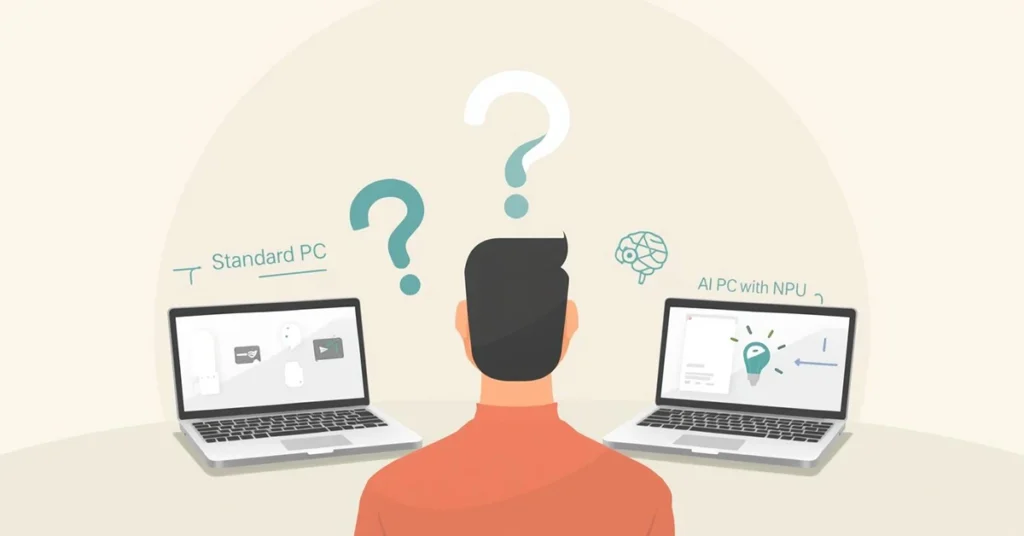
You should prioritize an NPU if you:
- Use AI-powered creative tools
- Rely on video conferencing
- Want better battery efficiency
- Care about local data processing
- Plan to keep your PC for several years
You may not need one yet if you:
- Only perform basic tasks
- Don’t use AI-enhanced features
- Are satisfied with your current system’s performance
How NPUs Fit Into the AI PC Concept
An AI PC isn’t defined by software alone. Dedicated hardware now supports AI workloads natively.
The combination of CPU, GPU, and NPU allows:
- Smarter system behavior
- Better resource management
- More advanced local AI features
As AI becomes more integrated into everyday software, this architecture becomes increasingly important.
The Bigger Picture
The addition of the NPU marks the end of the CPU-only or CPU-GPU era.
Computing is moving toward a model where:
- Tasks are intelligently routed
- Efficiency matters as much as raw power
- AI runs locally, quietly, and continuously
This isn’t just a performance upgrade. It’s a redefinition of what a personal computer is designed to do.
Bottom Line
NPUs are not a trend or a marketing feature. They exist because modern computing demands a dedicated solution for AI workloads.
As software continues to evolve, PCs without NPUs will increasingly feel limited. Systems built around CPU, GPU, and NPU working together represent the future of personal computing — quieter, smarter, and more efficient.
FAQ
A1: NPU stands for Neural Processing Unit. It’s a processor designed specifically to handle AI and machine-learning tasks efficiently.
A2: No. GPUs are optimized for graphics and parallel workloads, while NPUs are optimized specifically for AI inference tasks.
A3: Not all, but most modern laptops and AI-focused systems include them. Adoption is increasing rapidly.
A4: Yes, but it’s less efficient. Without an NPU, AI tasks rely on the CPU, GPU, or cloud processing.
A5: No. NPUs complement CPUs and GPUs rather than replacing them.